Full AI transparency for post-production

Transparent from prompt to air.

Full traceability for every AI-generated asset in your timeline. From the first prompt to the final broadcast — prove exactly what's in every frame.

Integrations

Transparency across every platform.

Native plugins for every major editing platform. AI traceability built directly into your workflow.

DaVinci Resolve

Python Script
Coming Soon
Integration Guide

Avid Media Composer

Extensions API
Coming Soon
Integration Guide

CapCut

JSON Parser
Coming Soon
Integration Guide
Premiere Pro DaVinci Resolve Avid Media Composer CapCut Prompt Traceability AI Transparency Full Audit Trail Copyright Compliance Broadcaster Ready Prompt to Air Premiere Pro DaVinci Resolve Avid Media Composer CapCut Prompt Traceability AI Transparency Full Audit Trail Copyright Compliance Broadcaster Ready Prompt to Air
The Transparency Gap

There's no way to trace AI from edit to air.

Broadcasters, streamers, and legal teams now demand full AI transparency. But the moment a GenAI asset enters a timeline, its provenance disappears — the prompt, the model, the reference image, all gone. Studios are in a Vegas zone: unprotected from copyright, ethics, and compliance liability.

ATIX closes this gap. It captures the full chain of traceability — from the first reference image or prompt, all the way through editing to final delivery.

Editor working in Premiere Pro
Scanning 247 assets...
Why Transparency Matters

The cost of opacity.

One untraceable AI asset can derail a broadcast, trigger a lawsuit, or kill a distribution deal. Transparency isn't optional anymore.

01

Zero Traceability

AI prompts, models, and reference images vanish the moment they enter a timeline. The chain of origin is completely broken.

02

Broadcaster Demands

Networks and streamers now require full AI disclosure per frame. No transparency report means your content doesn't air.

03

Legal Exposure

Every GenAI-assisted shot is an unquantified copyright and ethics risk — especially in documentary and news production.

04

The Vegas Zone

Small studios are flying blind. Without transparency tooling, they're fully exposed to compliance liability — and they don't even know it.

How It Works

Three steps to
full transparency.

ATIX runs as a native plugin inside your editor. Complete AI traceability without changing how you work.

1

Scan your project

One click. The plugin reads your entire project — every clip, graphic, audio file, and nested sequence — and maps the complete asset tree automatically.

2

Document the origin

Tag every asset with its full provenance: source type, copyright owner, license info, AI model and version, and the prompts used — from first reference to final output.

3

Export the transparency report

Generate a compliance-ready CSV with full traceability for every asset. Send it to broadcasters, attach it to deliverables, or archive it for legal audit.

Complete Traceability

Every origin, documented.

The full transparency chain for every asset in your timeline — from the first reference image to the final prompt.

0
metadata fields per asset
Project Name
Sequence Name
TC In / TC Out
Total Duration
Final File Name
Final File Location
Source File Names
Source File Locations
Source File URLs
Copyright Owner
License Info
Generation Dates
AI Model & Version
GenAI Usage Flag
First Prompt
Final Prompt
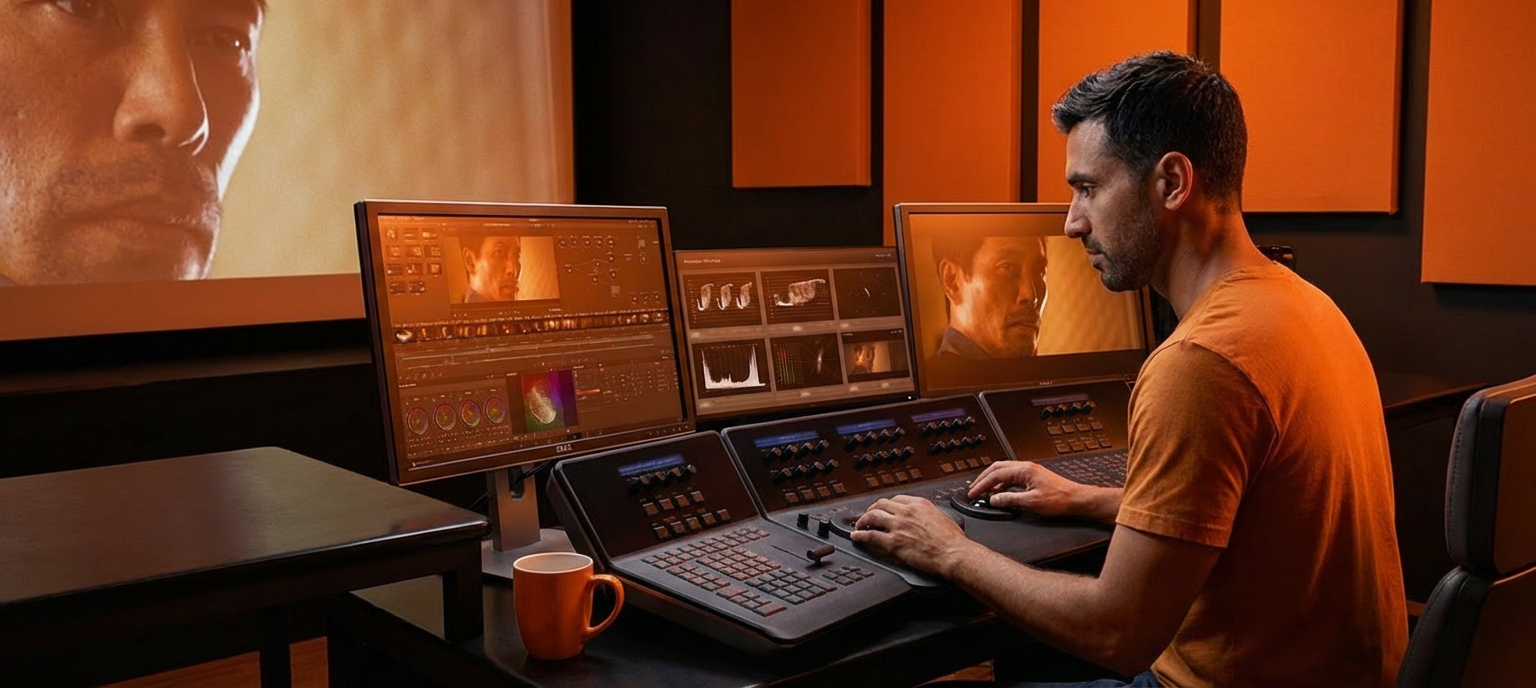
Colorist working in a professional grading suite
"

Our broadcaster demanded full AI transparency on every frame before they'd air the documentary. ATIX gave us the proof — traceability from prompt to timeline — without slowing down the edit.

DK
Daniel K.
Post-Production Supervisor
Early Access

Be transparent
before they demand it.

Full AI traceability is coming to every post-production workflow. Get ahead of it — ATIX is in beta for Premiere Pro.

Free during beta. No credit card required.